On this page
Pick a language
Tap the gear at the top of the screen, then tap Settings.
Scroll to Language.
Tap the language you want.
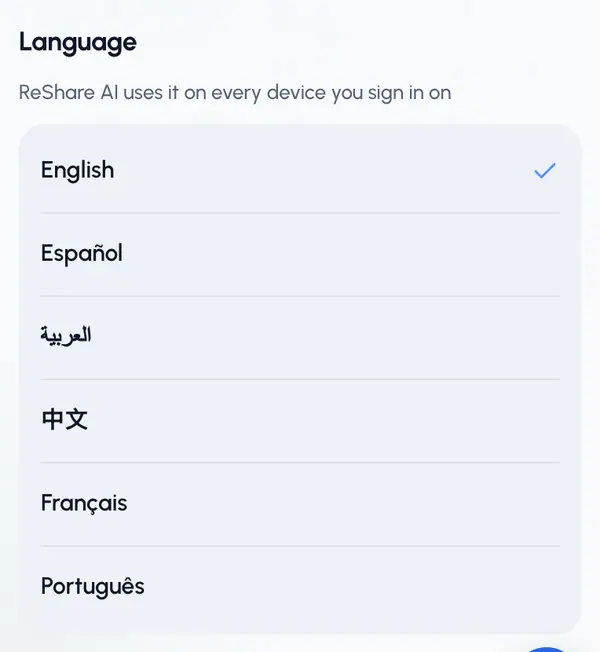
The app switches right away. You don't need to reload the page, and you stay where you were.
You can also change it from the gear menu: tap the row that shows your current language, then pick one from the list.
The six languages
Each language is listed in its own name:
- English
- Español (Spanish)
- العربية (Arabic)
- 中文 (Chinese)
- Français (French)
- Português (Portuguese)
Where your choice is saved
- On this device, right away.
- On your account, so every device you sign in on uses the same language. If you're offline when you change it, ReShare AI saves it to your account later.
Pages you can open without signing in, such as the plans page, have their own language menu.
Arabic reads right to left
When you choose Arabic, the whole app flips to read from right to left. Menus, back arrows and buttons move to the other side. The Help & feedback button and its window open on the left.
Numbers use the same digits (0 to 9) in every language.