Choose a theme
Tap the gear at the top of the screen, then tap Settings.
Under Appearance, find Theme.
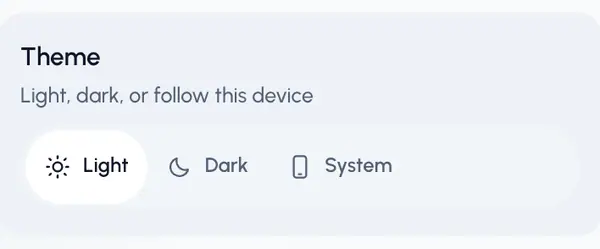
Tap one of the three choices.
The look changes right away.
The three choices
- Light: a light background.
- Dark: a dark background, easier on the eyes at night.
- System: follows the light or dark setting of the phone or computer you're using. Pick this if you want ReShare AI to match your other apps.
A quicker way
The gear menu at the top of the screen has the same three choices as small buttons, so you can switch without opening Settings. On a phone, the menu opens from the bottom.
Good to know
- The theme only changes how ReShare AI looks. Your videos, posts and analytics stay the same.
- With System, two devices can show different themes, each following its own setting.