On this page
ReShare AI has the same pages everywhere, but a phone shows fewer of them at the bottom of the screen.
On a phone
The tab bar at the bottom has four tabs: Home, Create, Schedule and Analytics.
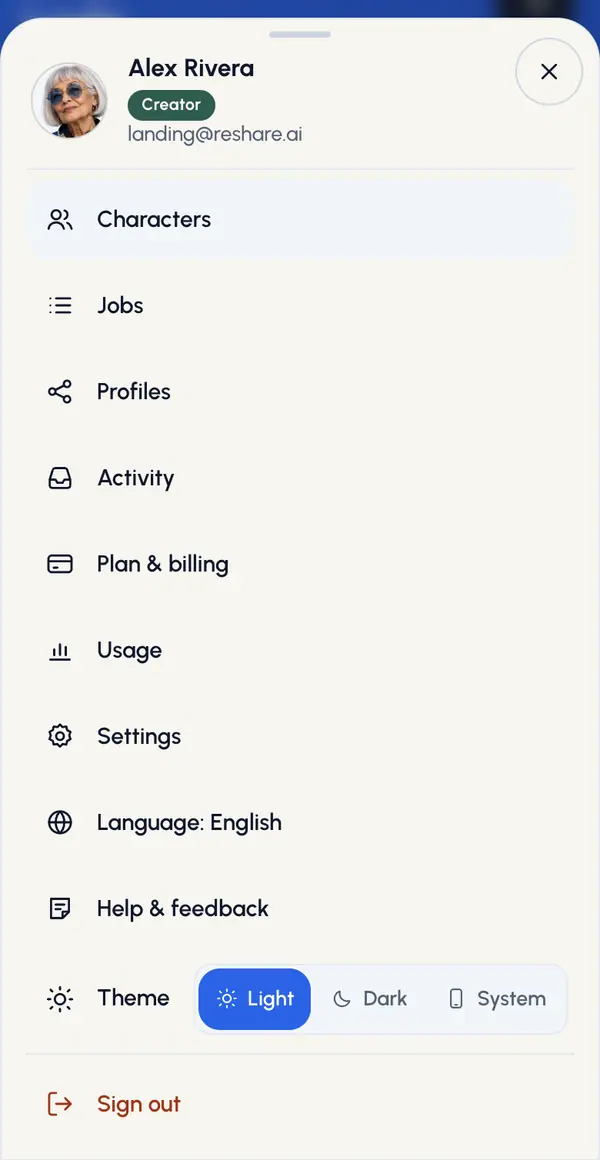
The rest are in the account menu:
Tap the gear at the top of the screen.
Tap Characters, Jobs, Profiles or Activity.
A page inside a section, such as one video, shows a back link at the top.
On a computer
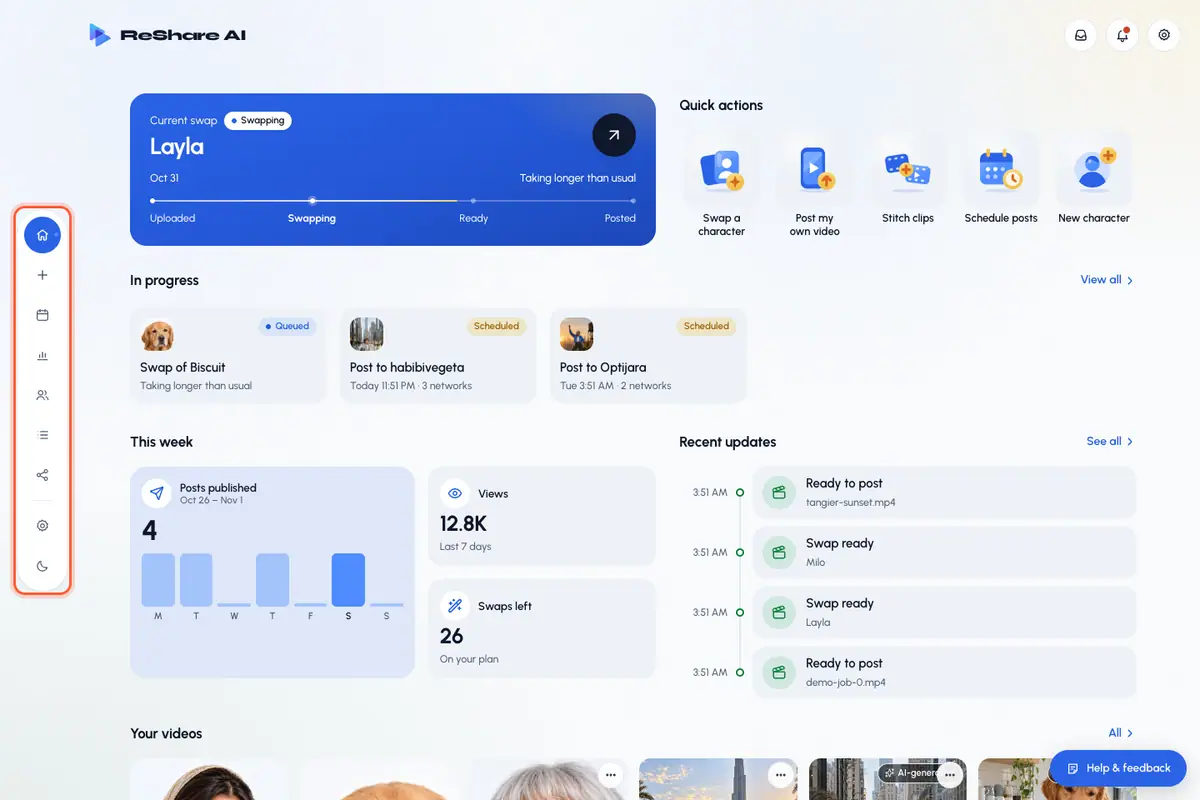
The dock lists every page: Home, Create, Schedule, Analytics, Characters, Jobs, Profiles and Settings. The top bar has the Activity button, the bell and the gear.
The account menu
Tap the gear to see your name and email at the top, then these rows:
- Plan & billing, when plans are on for your account.
- Usage: what you've used.
- Settings.
- Keyboard shortcuts (computer only).
- Your language: tap it to pick another one.
- Help & feedback, when it's shown: ask a question or report a problem.
- Sign out.
The menu also has a theme switch: light, dark, or follow your device.
Activity and notifications
- The bell lists notices, such as a video that's ready or failed, a post that was published or failed, and an account you need to reconnect. Opening a notice marks it read, and you can mark them all read at once.
- Activity lists your latest videos and posts and where each one stands, from being made or scheduled to ready, posted or failed. On a phone, open it from the account menu, or from Recent updates on Home with See all.
Both refresh on their own.
Keyboard shortcuts (computer)
Press ? to see the list. Press G, then the second key:
GH: HomeGC: CharactersGS: ScheduleGA: AnalyticsGJ: JobsGP: ProfilesN: swap a character (opens Create)Esc: close
Shortcuts don't work while you're typing in a field.