What it does
ReShare AI swaps a character into your video, so your video is AI-made. The AI-generated label switch tells the networks that support it:
- On YouTube, the video is marked as containing synthetic media.
- On Instagram, it's marked as AI-generated.
The label isn't sent to TikTok, Facebook, LinkedIn, Threads, X or Reddit.
Where to find it
The switch is in the posting flow, and it's on for every new post.
Open a ready video and tap Post or schedule. Once the video has posts, the button says Post again.
Go through the steps to Text.
Under Network settings, find AI-generated label.
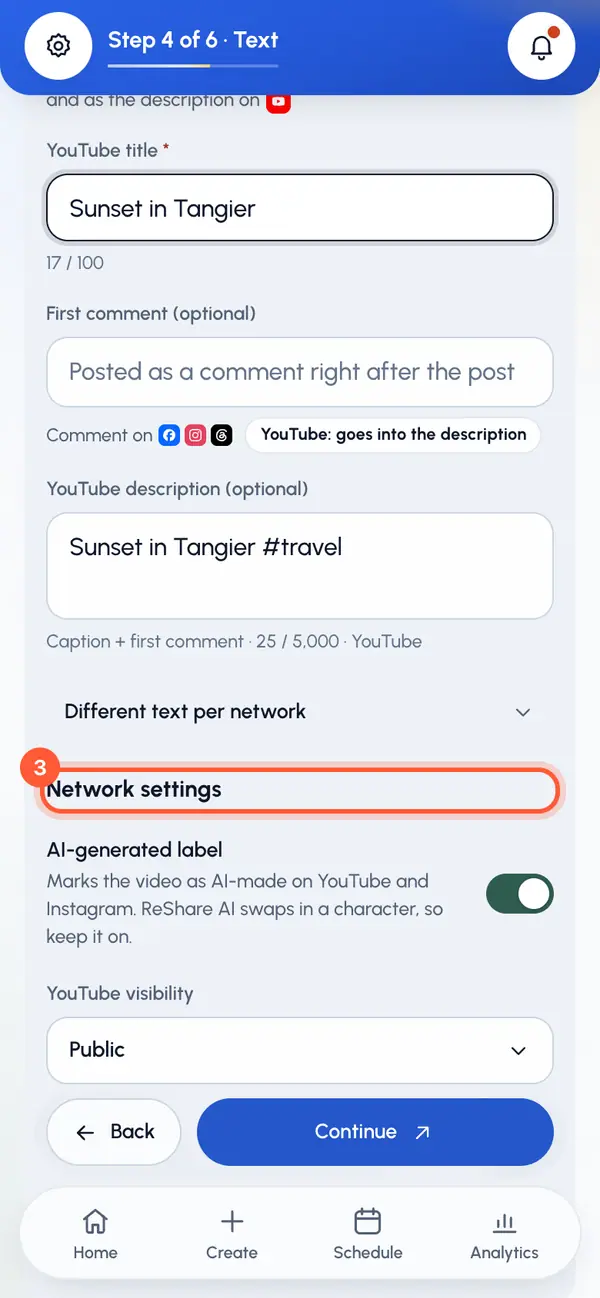
Leave it on. You can turn it off, but since ReShare AI swaps in a character, we recommend keeping it on.
One switch covers the whole post. You can't set it differently for YouTube and Instagram.
The tag inside the app
Swapped videos and characters also show an AI-generated tag in ReShare AI itself, for example on the video's page and on your character cards. That tag is only in the app. It isn't added to the video, the caption or the post.
Check before you send
On Review, the YouTube and Instagram rows show AI label on or AI label off.
The Terms ask you to label AI-generated videos where a network or the law requires it. On other networks, you can say so in your caption.