Deleting a character can't be undone, so make sure you won't need it again.
Delete a character
Open Characters and tap the character.
Tap the options button (three dots) at the top of the card.
Tap Delete character.
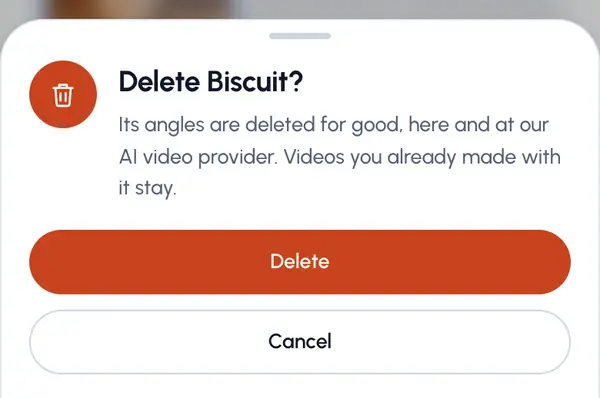
Tap Delete to confirm.
You're taken back to your characters, and a message confirms it's gone.
What gets deleted
- All of the character's angles.
- Its reference photo, if it had one.
- Its previous set, if it had one.
Videos you already made with the character stay.
When you can't delete it
You can't delete a character while a video with it is still being made. You'll see a message saying so. Wait until that video is ready, then try again.
Plan limits
When plans are on for your account, deleting one frees a spot, so you can have another character at the same time. It doesn't give back a new character for this period: that count stays as it is.