On this page
A character is the person (or pet) you swap into videos. ReShare AI draws them as five still pictures: Front (full body), Head, Front 3/4, Side and Back. A character can go into a swap once all five are ready.
Create your character
Open Characters. On a phone, tap the gear at the top, then Characters.
Tap New character. If you don't have a character yet, the form is already open.
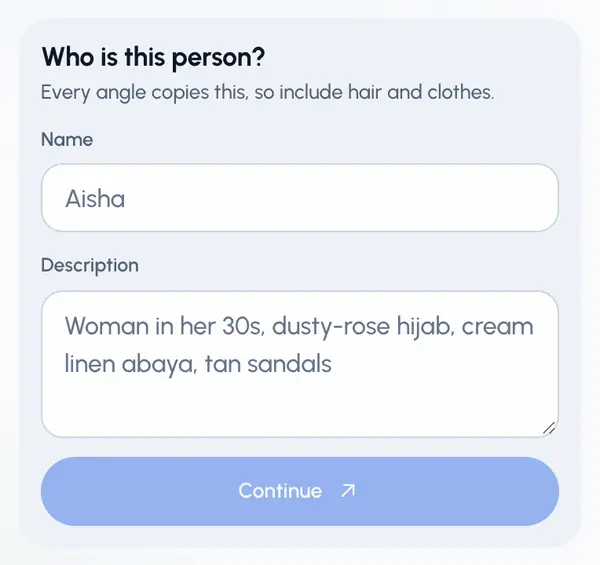
If you like, type a Name. Left blank, it is called "Character". You can't rename a character once it's ready.
Type a Description (more than 3 characters). Every angle copies it, so include hair and clothes.
Tap Continue.
If you like, tap Add a reference photo and pick one photo (PNG, JPG or WebP, up to 12 MB). Without one, ReShare AI draws from your description.
Under How to generate, choose to draw all five angles now (fastest), or Check first to approve the front picture before the rest. Once you add a photo, Check first is picked for you.
Tap the button at the bottom to start drawing.
The first time you add a photo or start drawing, a notice called How we make your content explains that OpenAI draws your character from your description and photo. Tick the box and tap Continue to go on. You can withdraw this later in Settings (see Your data and privacy).
If you chose Check first
The front takes about a minute, and you can leave the page while it draws. Then:
- Tap Try again to draw the front again. When plans are on for your account, this uses one of its free regenerations (see Regenerate a character).
- Tap Use this look to keep it. The other four angles copy this face and outfit.
While it draws
The pictures fill in one by one, and the character's card shows Drawing. When all five are done, the card shows Ready.
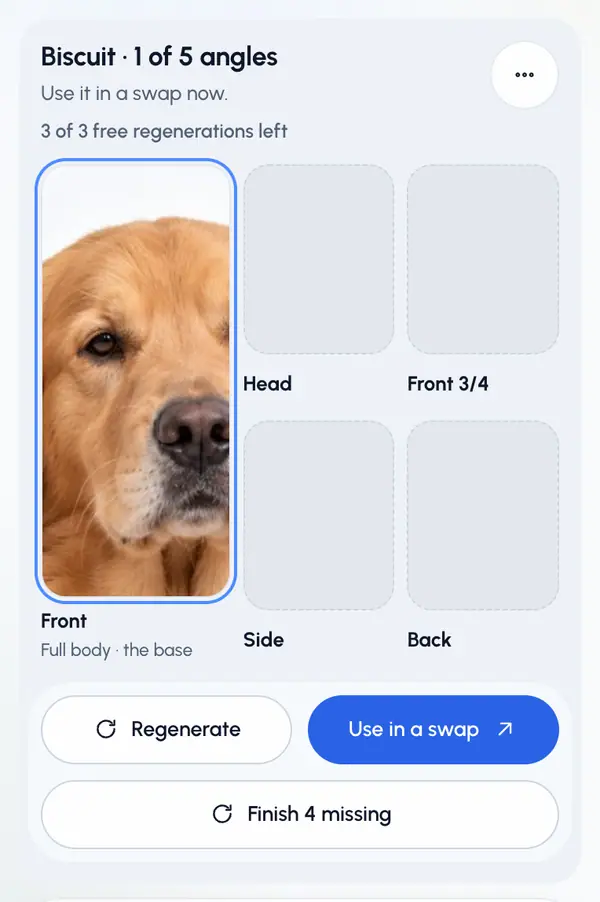
Tap Use in a swap to open Create with this character already picked.
If some angles fail, a button at the bottom finishes the missing ones. Start over draws the character again from scratch.
Plan limits
When plans are on for your account, your plan sets how many characters you can have at once and how many new ones you can make each period. The plan's allowance is 3 on Starter, 5 on Creator, 10 on Pro and 20 on Agency. The Free plan can't make characters. When you're out of room, Continue opens the plan choice instead. Adding a reference photo already saves the character as a draft, so it takes a spot. See Plans and allowances.
On a paid plan, the Extra characters add-on gives you 5 more. See Add-ons and packs.
Good to know
- You can add one reference photo. You can't upload your own pictures of the other angles.
- Only use a photo of yourself or of someone who agreed, never of a child, and no nudity. Pictures are checked, and if one isn't allowed the character shows This content isn’t allowed. Characters can’t show nudity or sexual content.. See What you can make and post.
- Characters show an AI-generated tag in the app.