Here's what you see when you open the app, and how to see the tour again.
The first time you open it
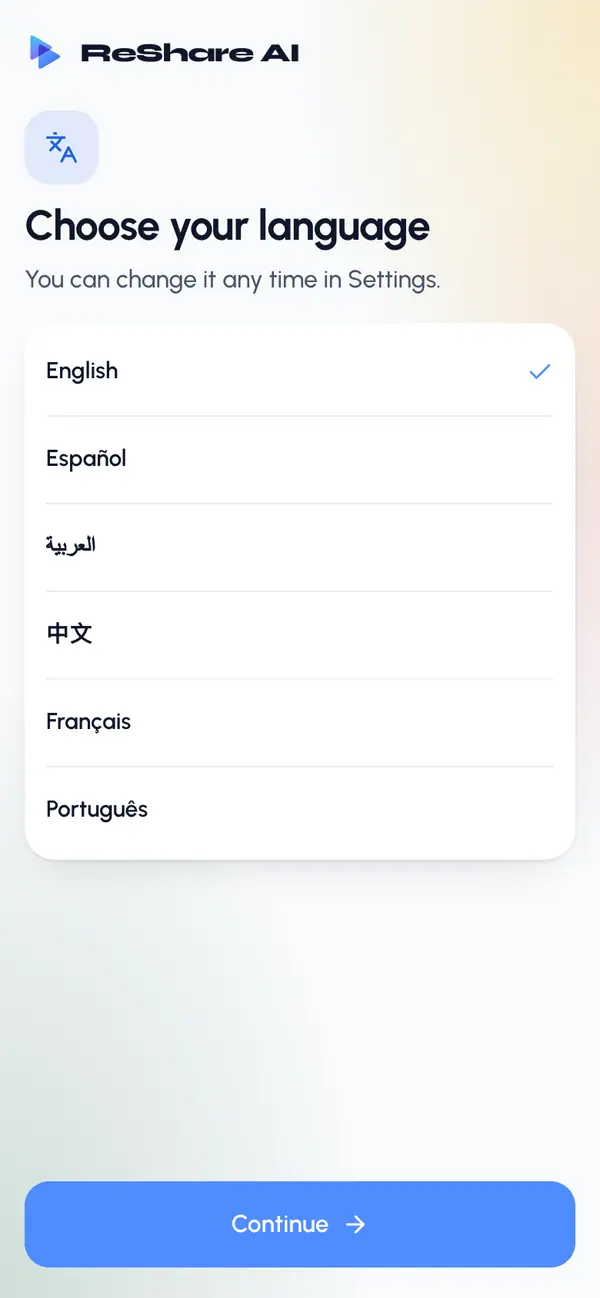
Pick your language and tap Continue. Your phone's language is chosen for you if ReShare AI has it. You can change it any time in Settings.
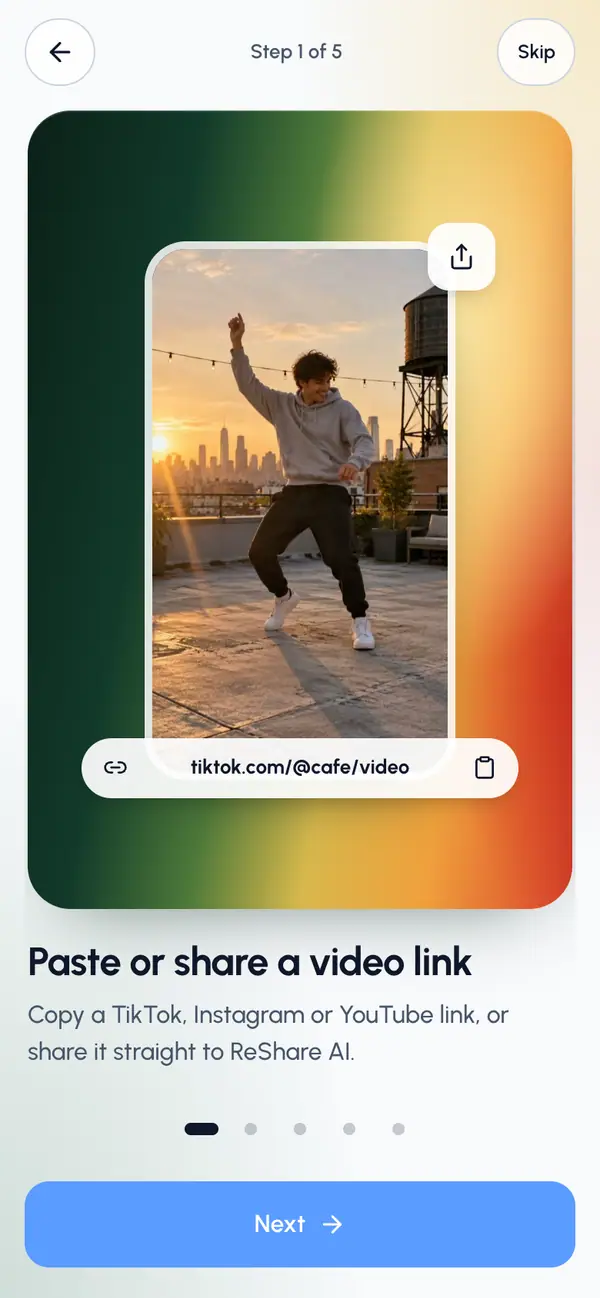
Swipe through the five tour slides, or tap Next. Tap Back to go back, or Skip to skip the rest.
On the last slide, tap Get started.
Sign in. On an iPhone you can use Apple, Google or email; on Android, Google or email. See Sign in.
The language step and the tour show once on each phone. Once you've finished or skipped the tour, the app opens straight on sign-in whenever you're signed out.
After you sign in
The app opens on Create, ready for your next swap. The tabs at the bottom and the gear menu work as described in Find your way around.
The first time you start a swap, the app asks if it may let you know when the video is ready. Tap Turn on notifications or Not now. You can choose which notices you get in Settings, under Notifications.
Replay the tour
Tap the gear at the top, then Settings.
Under Notifications, tap How it works.
Swipe through the slides.
Tap Done or Skip to go back to Settings.
Signed out, the sign-in step has a How it works link that shows the slides again.